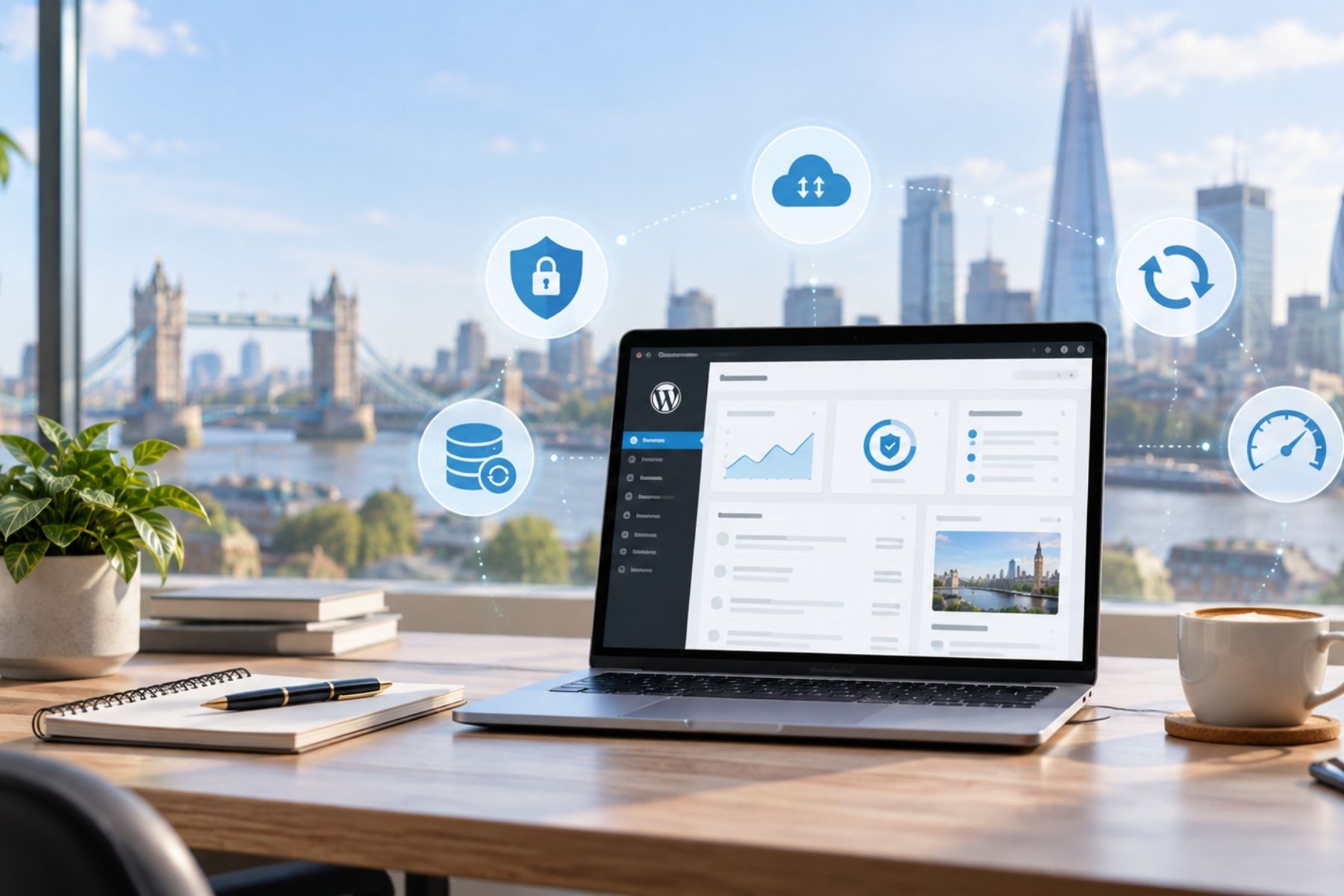
A WordPress website is not something you should build once and then forget about.
Like any piece of software, WordPress needs regular updates, backups, security checks, and maintenance to keep it working properly. Without this, small issues can gradually turn into bigger problems such as broken pages, slow performance, security vulnerabilities, or even website downtime.
The good news is that keeping a WordPress website healthy does not need to be complicated.
Keep WordPress, Plugins and Themes Updated
One of the most important things you can do is keep WordPress itself, your plugins, and your theme up to date.
Updates often include security fixes, bug fixes, compatibility improvements, and new features. Running outdated software can increase the risk of security problems and may also cause conflicts with newer versions of WordPress or PHP.
However, updates should still be handled carefully.
If your website is important to your business, it is a good idea to make a backup before major updates and check the website afterwards to make sure everything still works as expected.
Use Reliable Plugins and Themes
WordPress has thousands of plugins available, but that does not mean you should install every plugin you find.
Too many unnecessary plugins can make a website harder to maintain and may affect performance or security.
Choose plugins and themes from reputable developers, keep them updated, and remove anything you no longer use.
An inactive plugin can still become a security risk if it remains installed and outdated.
Make Regular Backups
Backups are essential.
If something goes wrong during an update, your website is hacked, or files become corrupted, a recent backup can save a significant amount of time and stress.
Your backups should include both the website files and the database.
It is also better to keep at least one backup outside the same server where the website is hosted. If the server itself has a problem, you still have another copy available.
How often you need backups depends on how frequently your website changes.
A simple business website may only need daily or weekly backups, while an active WooCommerce store may require much more frequent backups.
Protect Your Login Area
Your WordPress admin area should be properly protected.
Use strong, unique passwords and avoid sharing administrator accounts between multiple people.
Two-factor authentication can add another layer of protection, especially for websites containing customer data, online orders, or sensitive business information.
It is also worth removing old user accounts when they are no longer needed and giving users only the permissions required for their role.
Monitor Website Security
Security is not only about passwords.
A well-maintained WordPress website should also have protection against common attacks, suspicious login attempts, malicious requests, and known vulnerabilities.
Your hosting environment, firewall, malware protection, and WordPress security setup all work together.
Security monitoring can help identify problems early rather than waiting until something visibly breaks.
Keep an Eye on Website Performance
Over time, websites can become slower.
Large images, outdated plugins, excessive scripts, database clutter, and poor hosting can all affect performance.
Regularly check your most important pages on both desktop and mobile devices. Test forms, navigation, checkout pages, booking systems, and other important features.
A website that is technically online but slow or partly broken can still cost your business customers.
Check Your Website Regularly
Some problems are very simple to spot if you actually visit the website.
Check that contact forms still send emails, phone numbers are correct, links work, SSL is active, and important pages display properly.
If you run an online store, complete a test order occasionally to make sure payments, emails, shipping, and checkout are working correctly.
Regular Maintenance Is Worth It
WordPress is a reliable platform, but it still needs attention.
Regular updates, backups, security monitoring, and performance checks can reduce the chance of unexpected problems and help your website stay fast, secure, and dependable.
For a business, your website is often working 24 hours a day.
Looking after it regularly is far easier than trying to repair it after something has already gone wrong.